macOS
macOS 11 or later
Apple Silicon
SourceWeft_0.3.0-rc.1_aarch64.dmg
DMG · 7.5 MB
SHA-256
GitHub mirrora2f047b66217236c…IntelNot available yet
Preview buildv0.3.0-rc.1
Native apps for macOS and Windows today, with iOS and Android on the way. Every app signs in to the same account and workspaces as the web; local device capabilities arrive on macOS first.
All downloads
Version 0.3.0-rc.1 from the preview channel. Compare the SHA-256 before installing an unsigned build.
macOS 11 or later
Apple Silicon
SourceWeft_0.3.0-rc.1_aarch64.dmg
DMG · 7.5 MB
a2f047b66217236c…Windows 10 or later, 64-bit
x64
SourceWeft_0.3.0-rc.1_x64-setup.exe
EXE installer · 4.4 MB
323a04a03cce9f5d…Ubuntu 22.04 / Debian 12 or later, x64 (AppImage)
x64
SourceWeft_0.3.0-rc.1_amd64.AppImage
AppImage · 92.9 MB
5cba045021d26efa…Mobile apps
Read, ask, and review your sources on the go. The iOS and Android apps are in preparation; until the store listings go live, the web app works in Safari and Chrome on any phone.
iPhone and iPad · App Store
Phones and tablets · Google Play
A closer look
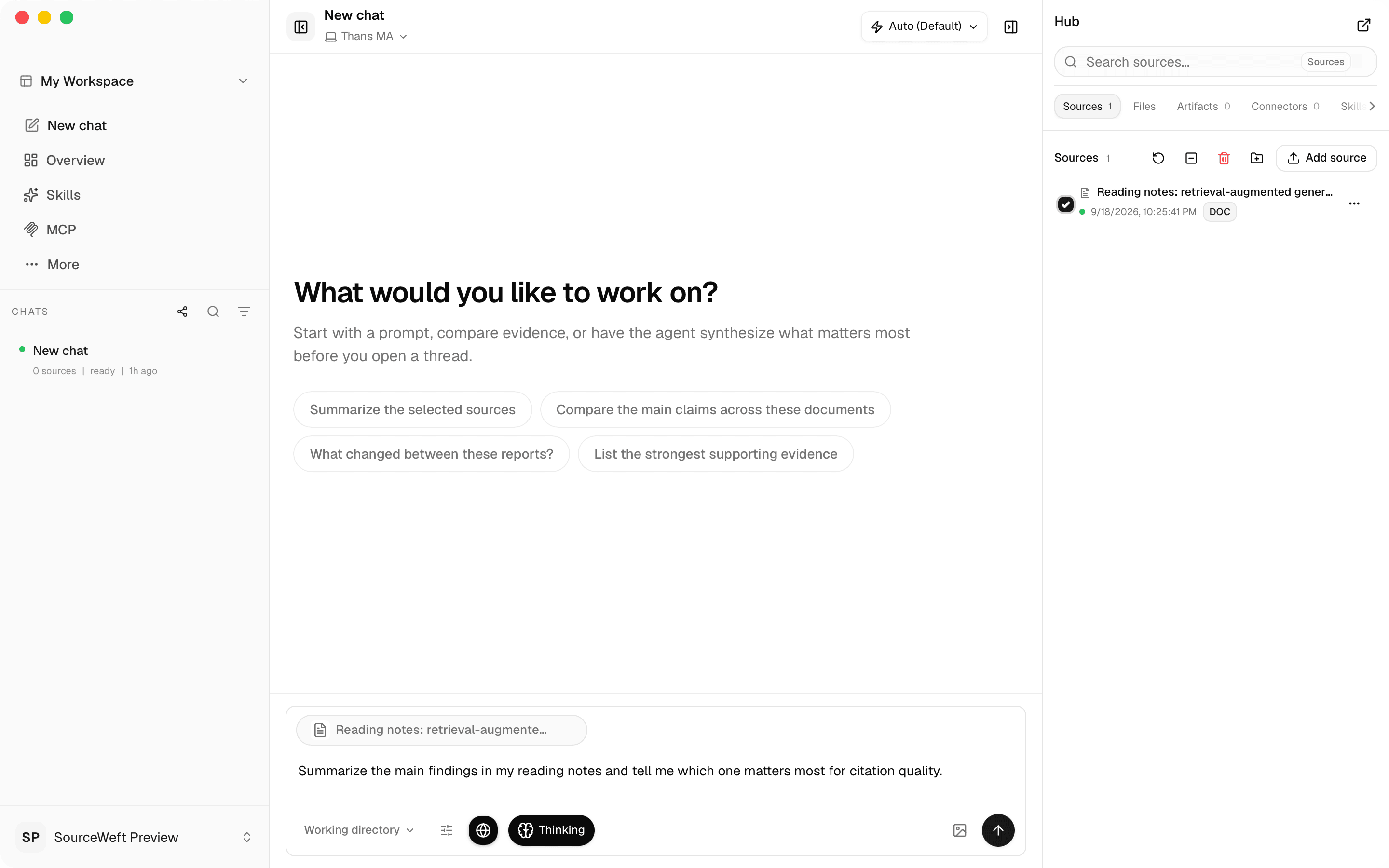
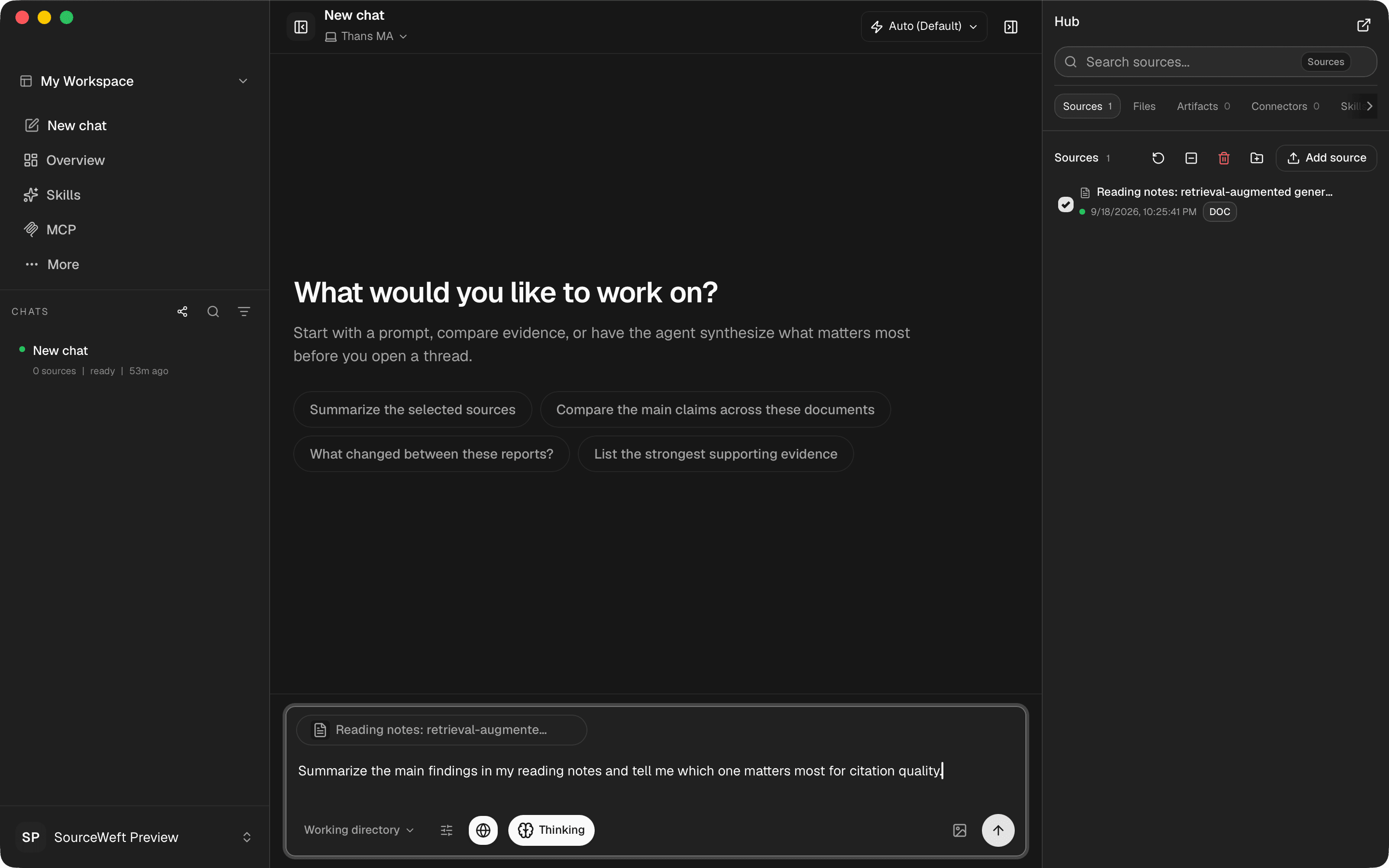
Captured from the macOS app. The same workspaces as the web, plus the parts that only make sense next to your files and your machine.
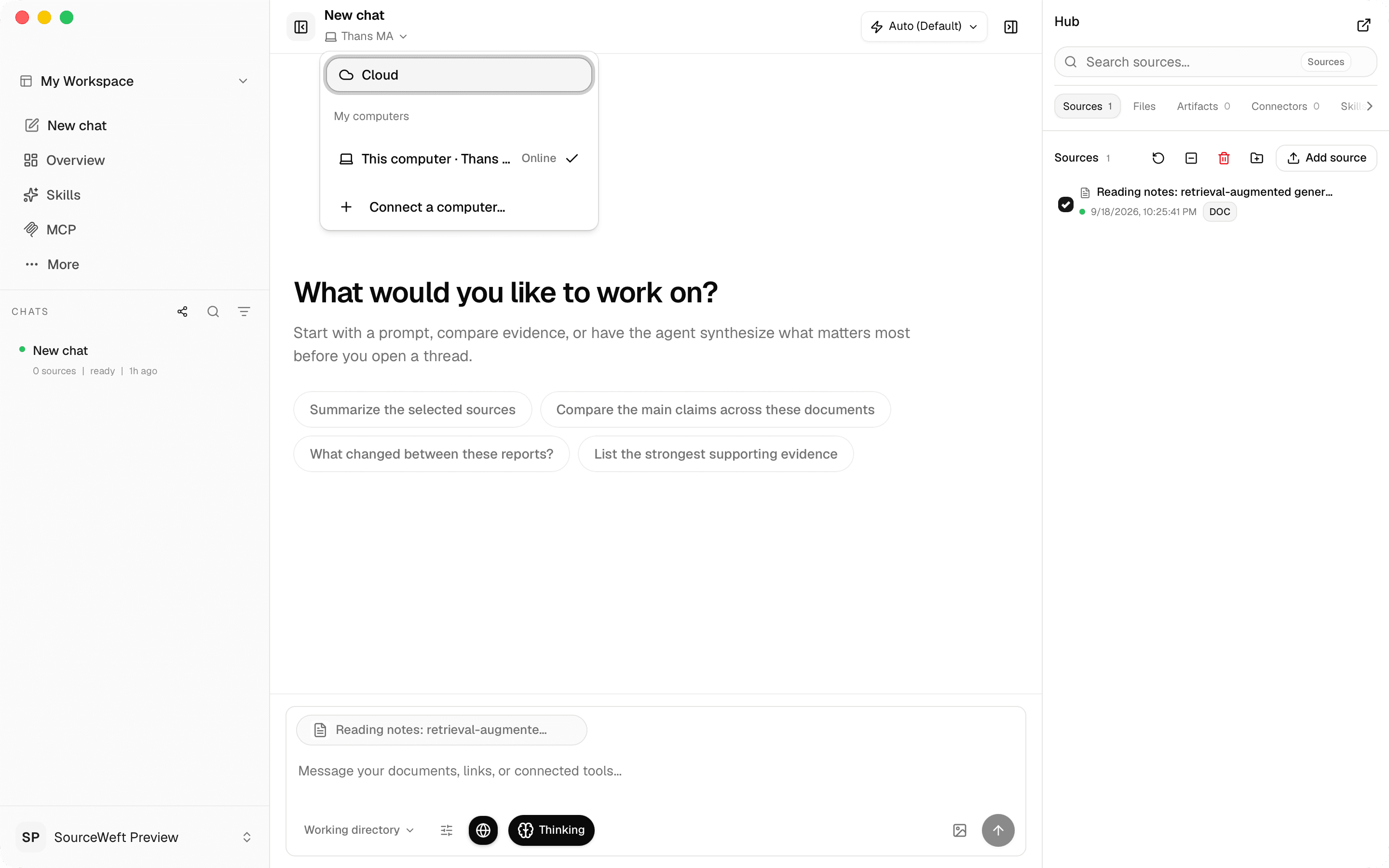
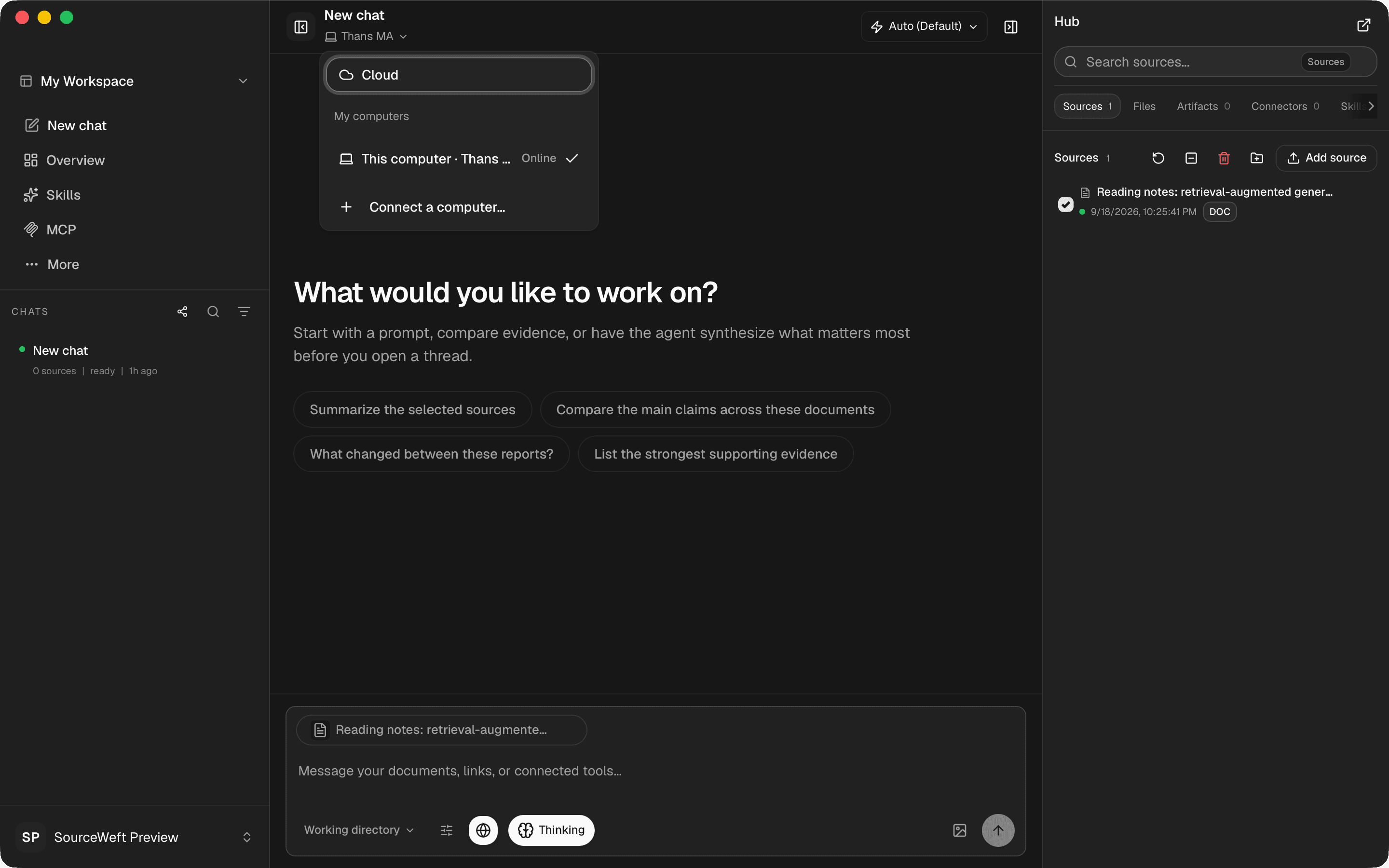
Pick where each chat executes. Your Mac shows up as an online device the moment the app is running.
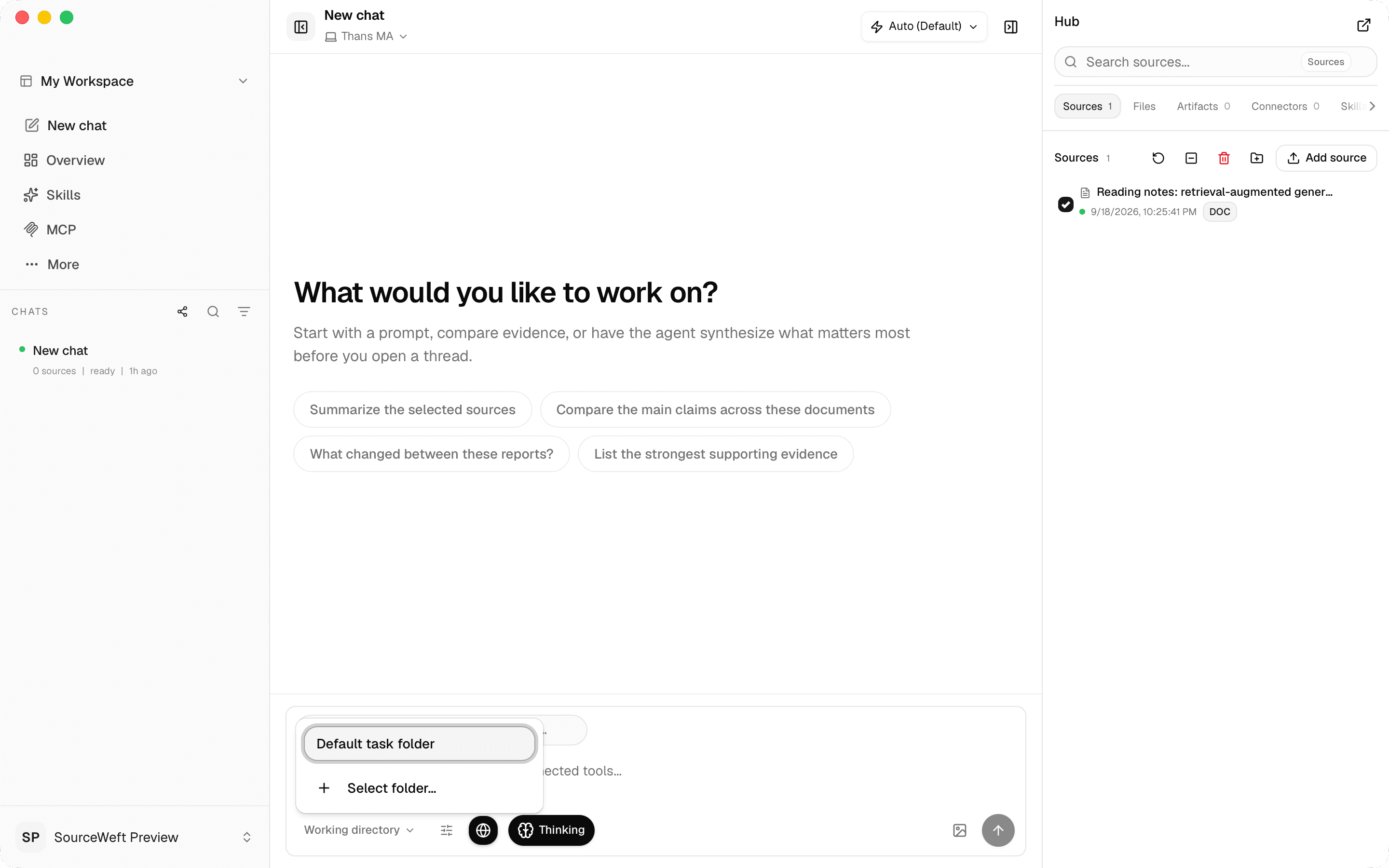
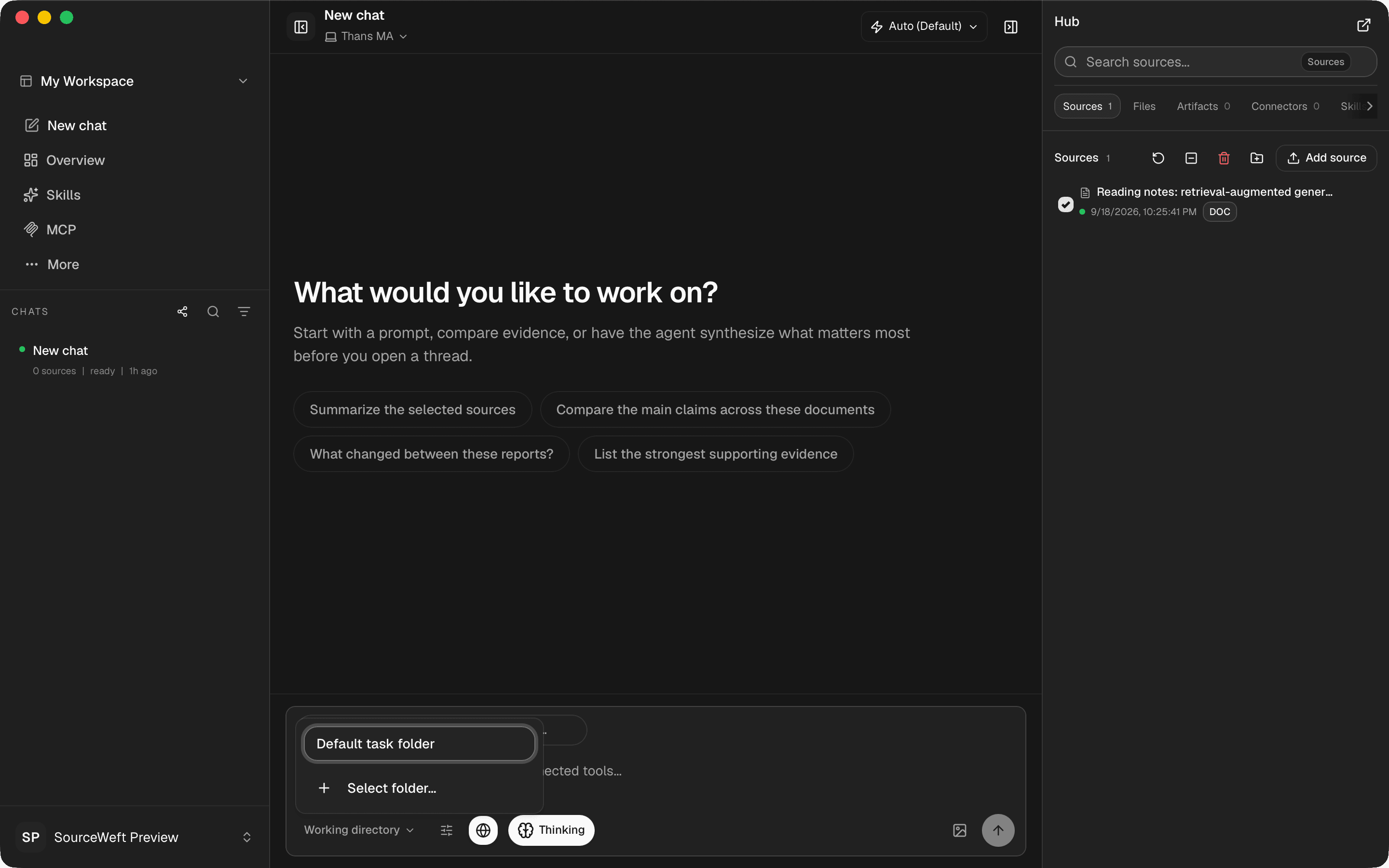
Give a chat a working directory so files it reads and writes stay on your machine.
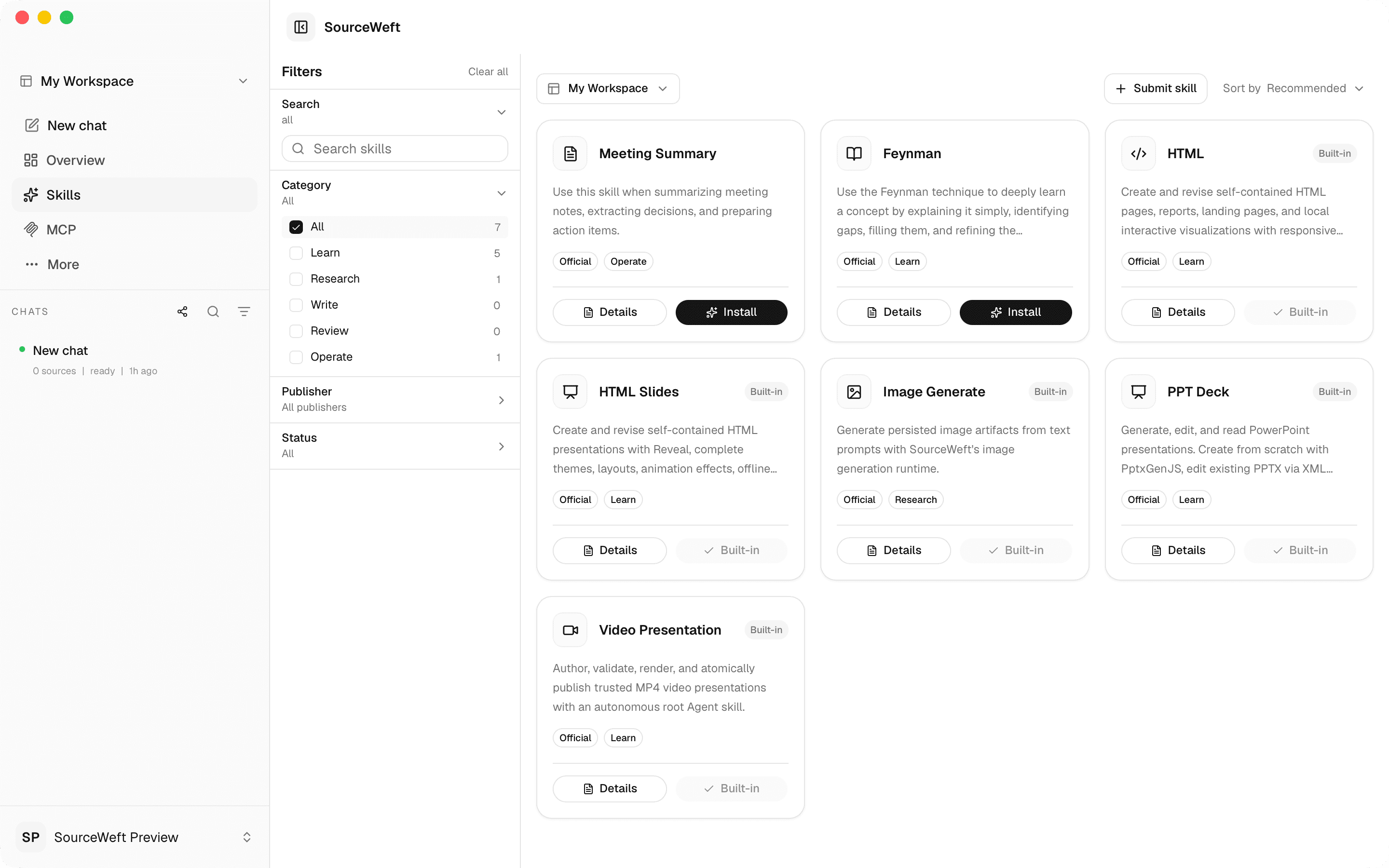
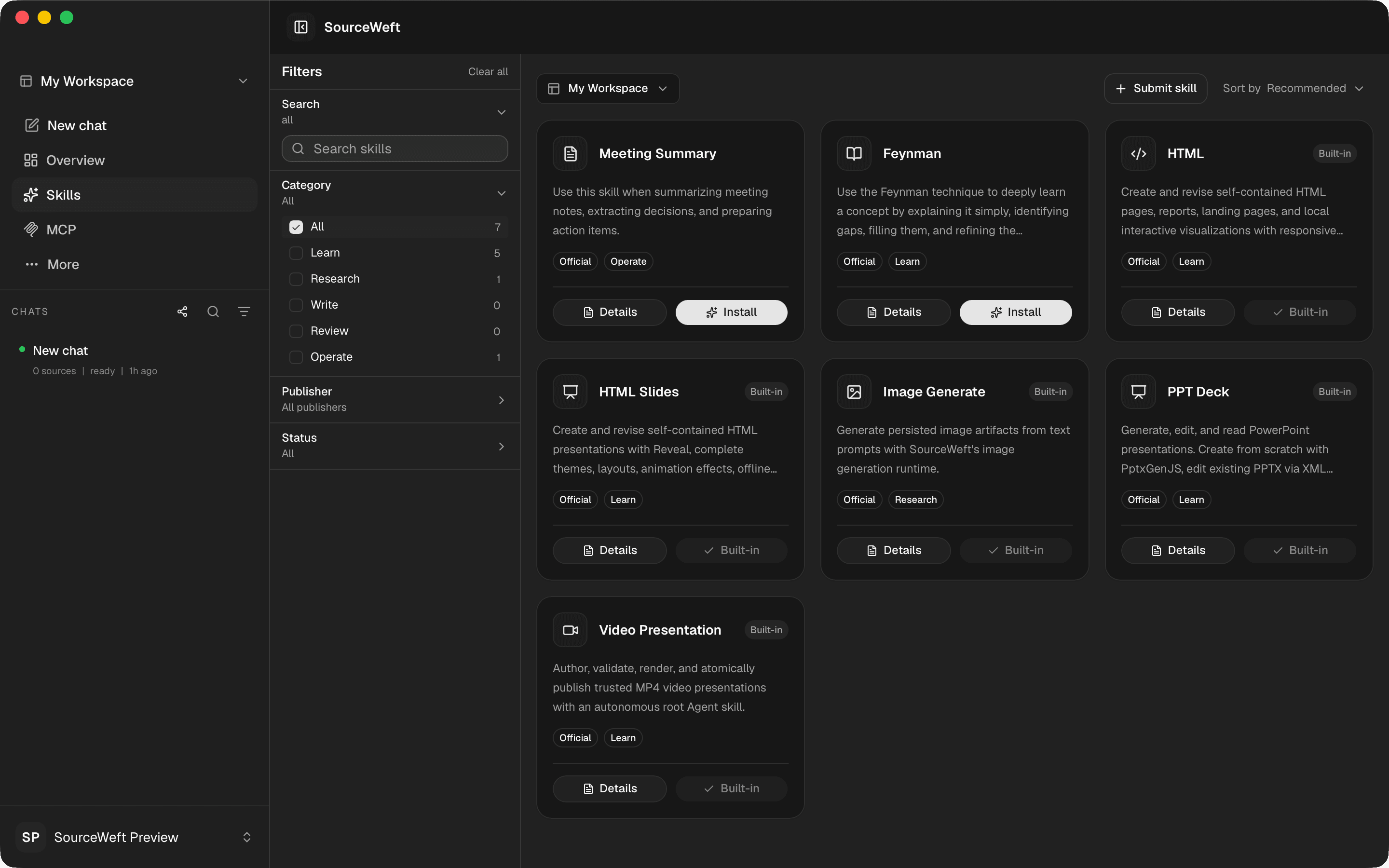
Browse official and community skills, then enable them per workspace from the same window.
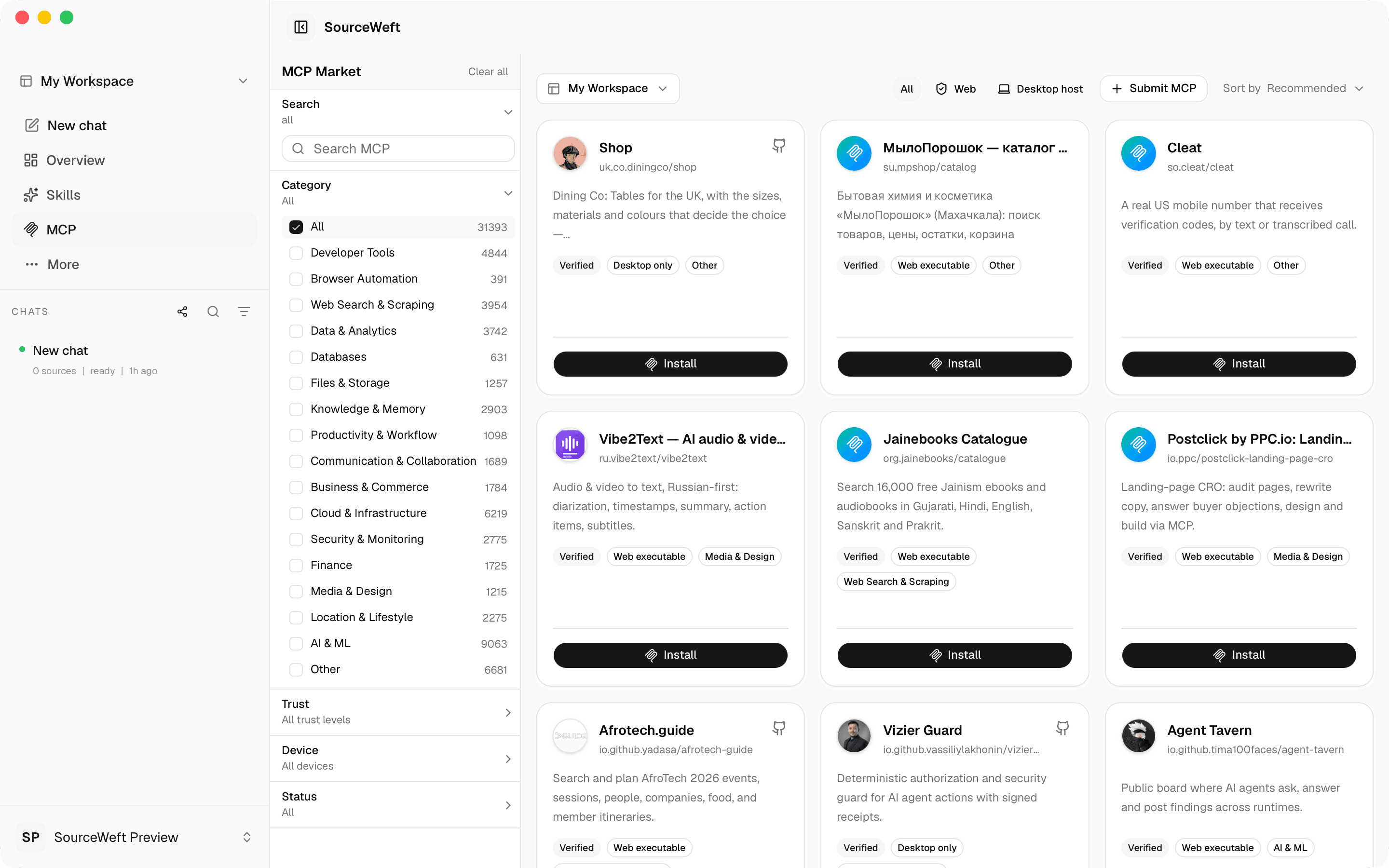
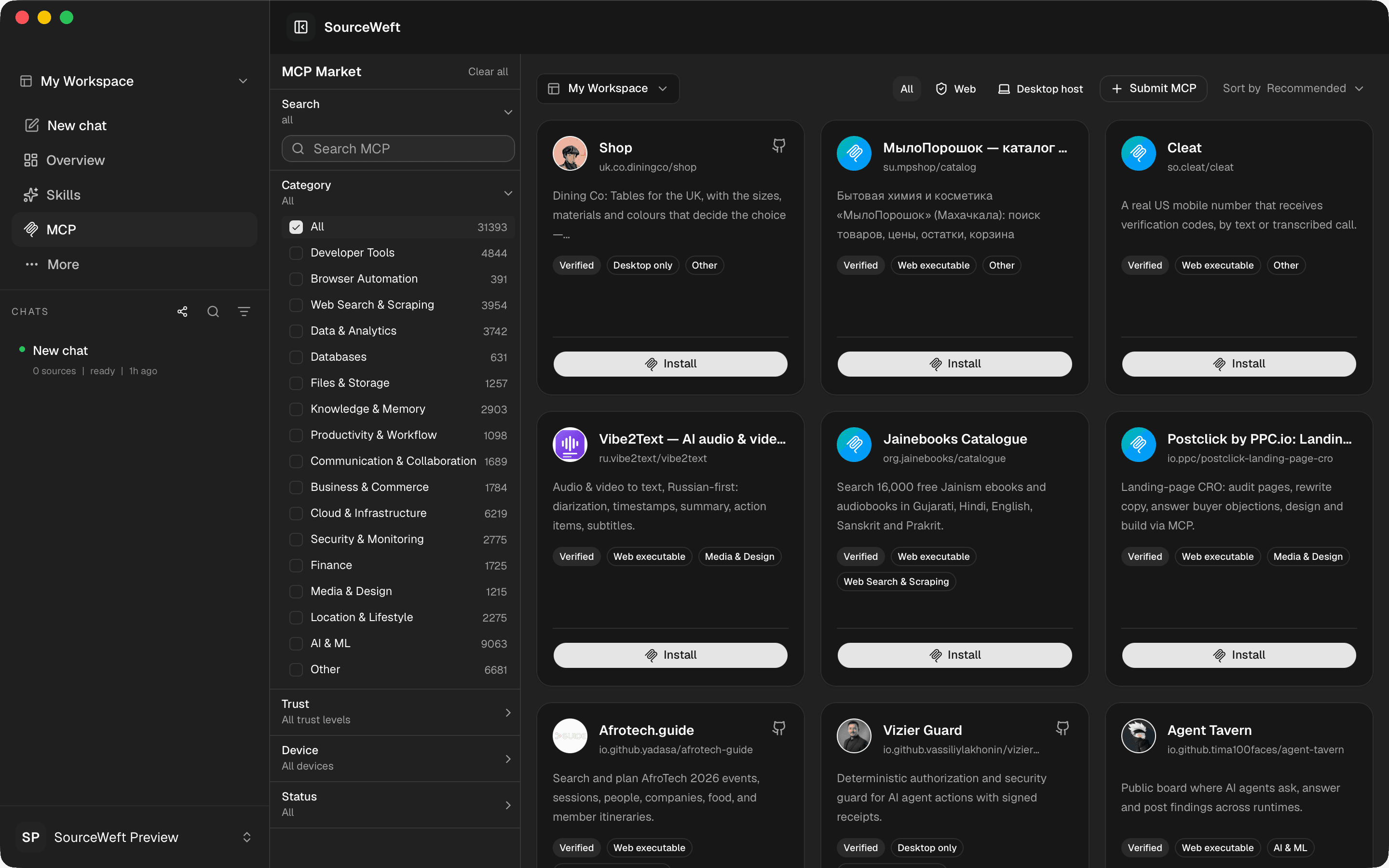
STDIO servers that need a local process are available here because the desktop app hosts them.
Everywhere you work
Desktop and mobile are two entry points. Your workspaces stay in sync with the web app, the browser extension, and your own self-hosted instance.
No install required. Open SourceWeft in any modern browser and pick up where you left off.
Capture pages and clips into your notebook straight from Chrome or Edge.
Run SourceWeft on your own infrastructure with the Docker Compose bundle shipped with every release.
Before you install
Your operating system will warn about an unidentified developer. Verify the SHA-256 on this page, then allow the app once.
Verify the checksum
# macOS
shasum -a 256 ~/Downloads/SourceWeft_*.dmg

# Windows (PowerShell)
Get-FileHash .\SourceWeft_*-setup.exe -Algorithm SHA256
FAQ
It signs in to the same SourceWeft account and opens the same workspaces, chats, and sources. On top of that it adds a native window and, on macOS, local device capabilities such as working directories and file panels.
Earlier verification builds were not signed or notarized. Check the release’s signing information and compare its SHA-256 checksum before installing. Signed releases are built with an Apple Developer certificate and notarization.
Earlier verification installers were unsigned. Check the release’s signing information and SHA-256 checksum before proceeding. The signed release pipeline uses a Windows code-signing certificate.
Updater-enabled clients check and download in the background, then ask before installation. Choose Stable or Preview in Settings → About → Software update. Older clients require one manual installation of an updater-enabled release. Linux in-app updates use the AppImage package.
Preview builds are release candidates published from pre-release tags before a stable release. They may change before the stable version ships.
Linux x64 is packaged as an AppImage. When a release is published, its download appears above. Make the downloaded file executable and run it; some distributions require FUSE 2. AppImage updates use the same stable and preview channels. Local device execution still requires macOS.