
Tapcolor
io.github.tapcolorappv1.0.1更新於 Oct 3, 2026
Browse TapColor coloring categories and collections — for AI assistants.
概覽
讓助理透過 TapColor 開發者 API 瀏覽 TapColor 著色分類與合輯。
- 功能
- 這個 MCP 伺服器透過 stdio 提供兩個工具:list_categories 會回傳全部 25 個著色分類及其合輯與頁面數量,list_coloring_pages 會回傳合輯,並支援選用的 category、搜尋字詞、limit 與 offset 參數。它建構於官方 TapColor API 用戶端之上,適用於 Claude、ChatGPT 等助理。
- 適用情境
- 當你需要助理查詢 TapColor 著色分類,或依分類、搜尋字詞尋找著色合輯時使用,例如列出動物類著色合輯。
- 執行需求
- 以 npm 套件(@tapcolorapp/mcp)形式透過 stdio 在使用者本機執行,需要 Node.js 與 npx。必須提供 TapColor API 金鑰,透過環境變數 TAPCOLOR_API_KEY 傳入,金鑰需向提供者申請。需要連線至 TapColor API 的網路存取。僅支援桌面端。
安裝
在 SourceWeft 中
- 開啟 儀表板中的 Tapcolor,將其新增到工作區。
- 為需要使用其工具的對話啟用該服務。
Desktop only,透過 STDIO。 STDIO 服務會啟動本機處理程序,因此需要 SourceWeft 桌面主機。
其他 MCP 客戶端
參照 儲存庫 中的啟動說明。
README
@tapcolorapp/mcp
MCP server for the TapColor Developer API — let AI assistants (Claude, ChatGPT, …) browse TapColor coloring categories and collections.
- 📚 Docs & live explorer: https://developer.tapcolor.app
- 🔑 Request an API key: https://tapcolor.app/contact/
Tools
Use with Claude Desktop
Add to claude_desktop_config.json:
Restart Claude Desktop, then ask: "List TapColor's animal coloring collections."
Use with any MCP client
The server speaks MCP over stdio. Run it directly:
Configuration
Built on the official @tapcolorapp/api client.
License
MIT © TapColor
來源:README.md,提交 810a51c
工具
0版本歷史
1- v1.0.1最新Oct 3, 2026
更多類似 Tapcolor 的服務

maidr
io.github.xability
讓助手在對話中繪製可存取的 maidr 圖表,並以聲音、點字和螢幕閱讀器引導盲人或低視力讀者瀏覽圖表。
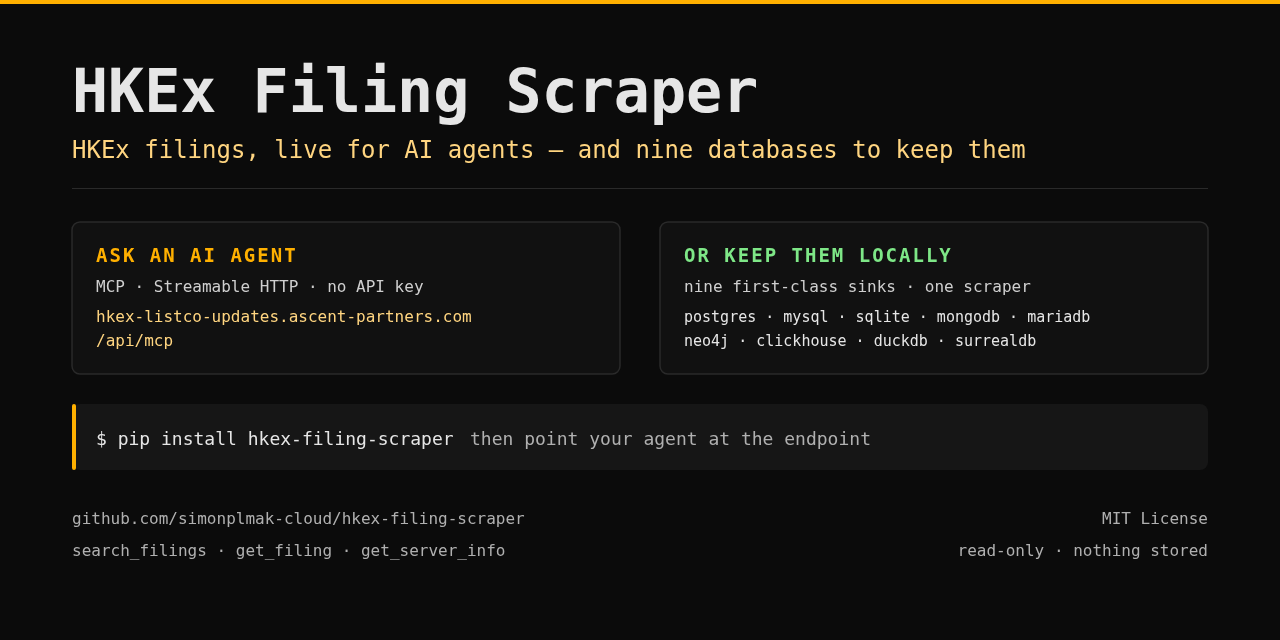
HKEx Filings
io.github.simonmak-ascent
唯讀的香港交易所監管公告 MCP 伺服器,讓助理搜尋公告並擷取文件內文與表格。

Snappfood & SnappMarket
io.github.sepehr071
以唯讀方式搜尋並比價伊朗的 Snappfood 餐廳與 SnappMarket 雜貨,包含外送費與限時優惠。