
Blockchain IQ x402 Crypto Data
io.github.jgmale123v0.1.1Updated Oct 2, 2026
Pay-per-call crypto market data over x402 (USDC on Base). Free catalog and sample without a wallet.
Overview
Lets an assistant fetch crypto market data through a pay-per-call x402 API, paying in USDC on Base from a local EVM wallet.
- What it does
- This local MCP server connects an assistant to a crypto market data API that charges per call over x402, settled in USDC on Base. A free catalog and sample tools return data without a wallet, while paid tools require a funded EVM wallet. It runs as a local stdio process, so the assistant starts it on the user's machine.
- When to use it
- Use it when an assistant needs crypto market data and the user is willing to pay small per-call USDC amounts from a dedicated wallet. It is not needed if only free catalog and sample data are wanted.
- Requirements
- Runs locally over stdio, typically via the npm package. Node.js is required. A funded EVM wallet private key is needed for paid tools, supplied as AGENT_PRIVATE_KEY. Optional settings include BLOCKCHAINIQ_BASE_URL, BLOCKCHAINIQ_NETWORK (base or base-sepolia) and MAX_USDC_PER_CALL. Network access is required.
Installation
In SourceWeft
- Open Blockchain IQ x402 Crypto Data in the dashboard and add it to a workspace.
- Enable the server for the chats that should use its tools.
Desktop only via STDIO. STDIO servers start a local process, so they need the SourceWeft desktop host.
Tools
0Version history
1- v0.1.1LatestOct 2, 2026
More servers like Blockchain IQ x402 Crypto Data
Startup Valuation MCP Server
io.github.simonmak-ascent
Lets an assistant compute startup valuations using 80+ pre-revenue and industry-specific formulas through 14 MCP tools.

Intangible Asset Valuation MCP Server
io.github.simonmak-ascent
Lets an assistant compute intangible asset valuations such as IP, technology, goodwill, purchase price allocation and impairment using 124+ textbook formulas.
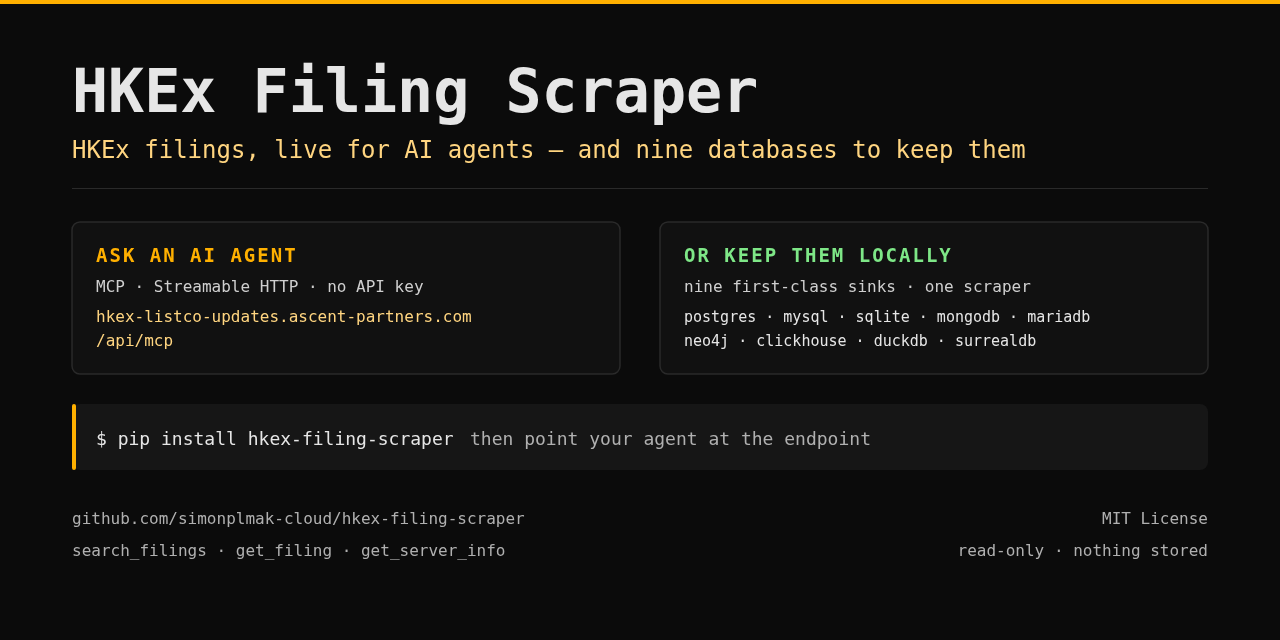
HKEx Filings
io.github.simonmak-ascent
Read-only MCP server for Hong Kong Stock Exchange regulatory filings, letting an assistant search filings and extract document text and tables.